One engine.
Every pixel.
PIXL Engine develops, grades and re-encodes photographs in its own colour science, carries HDR from the sensor to every screen, and writes every modern format, measured against the standards. Every PIXL app is built on it.
- 100%of visible colours inside PixlRGB, the open working space every edit runs in
- 46cameras developed through colour PIXL fitted itself, from measured spectra
- 1rounding to integers, however many operations you stack
- 0.31 sa 35.6 MB Canon CR2 to a lossless DNG, the mosaic bit for bit
Decoders in. One pipeline. Every app out.
Proven decoders at the edge, read the way their makers render them. In the middle, PIXL's own pipeline: every pixel in linear PixlRGB floats, one HDR master, one rounding. Each product is a different surface on the same core.
One convert() call runs the whole pipeline in 32-bit float, the same at any thread count, and rounds the pixels to integers once, at the end.
Exact by construction
Rust, every parser fuzzed under AddressSanitizer, and the same bytes out at any thread count. A region of a photo renders as the whole photo, cut.
Colour you can trust
Camera colour fitted from measured spectra, a working space that holds every colour, and real conversions, never a quiet re-label.
AI that stays local
Super resolution, denoise, JPEG restore, deblur and subject masks run through ONNX Runtime on the device's own hardware, and a provider that can't run is an error, never a silent fallback.
It makes no decisions.
It keeps the receipts.
Most image libraries guess. They pick a quality for you, fall back to another codec when one fails, or quietly re-label colours they didn't convert. Every guess is a bug waiting in someone's photo library.
PIXL has no guesses to go wrong. The app decides, the engine does exactly that, and anything impossible is refused with the name of the setting to change.
master  peak 575.7 cd/m² (+1.5 stops)
        ceiling: peak · tone map v2
colour  Display P3 base + gain map
        3 channels, −0.02..1.49 stops
grade   white balance 7000 K
        exposure +0.18 · highlights −0.5
loss    1 rounding, one float pass
meta    EXIF · ICC · XMP copied verbatim
refused pixel.depth: 8-bit PixlRGB bands visibly. Write it at 10 bits or more, or convert to Display P3.
Colour, owned from the sensor to the screen.
Most editors borrow their colour: a stock camera matrix, a working space built for something else. PIXL measured its own, end to end, and published the space it works in as an open standard.
A working space that holds every colour.
PixlRGB is the smallest RGB triangle that encloses every colour the eye can see, and every colour of sRGB, Display P3, Adobe RGB and Rec.2020. Every edit runs in it, so the saturated reds and cyans a camera records are never clipped before you touch them. Point at the map to see which spaces hold a colour.
- 100% of the visible range, in linear 32-bit float
- 6% of its area spent on non-colours, against 33% for ACES AP0
- CC BY-SA specification and ICC profiles, free to implement
% = share of the visible range (u′v′ area) inside the triangle.
- 46
Camera colour from measured spectra
Profiles fitted to each sensor's measured response under tungsten and daylight. Under tungsten they cut the colour error of the usual daylight matrix by a median 2.3 ΔE2000.
- 0
Colours pushed off the map
Push saturation hard and a colour can leave the visible range. The guard brings it back to the edge with its hue and brightness kept, where a clip would turn it.
- 1×
The same +30 in every hue
In classic HSL, +30 moves one hue 3.5 times as far as another. PIXL's perceptual HSL is calibrated per band in ICtCp, so +30 is the same visible step, red to magenta.
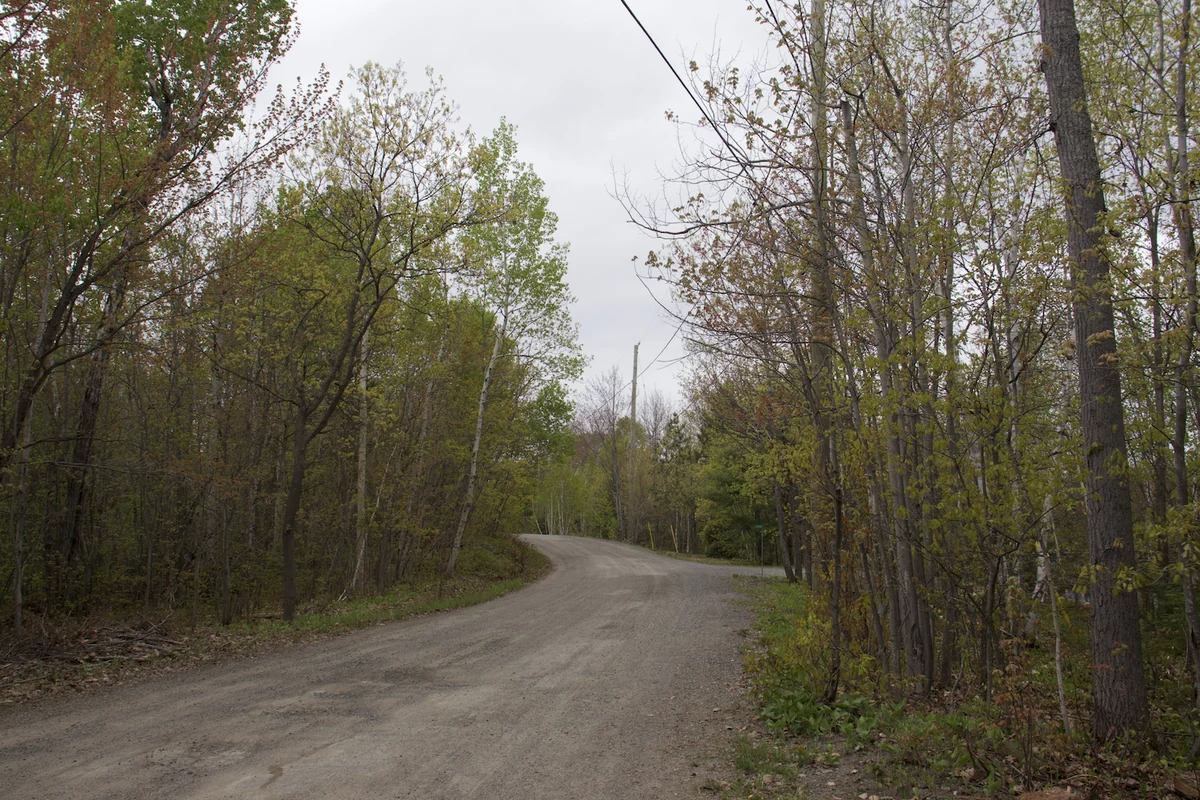
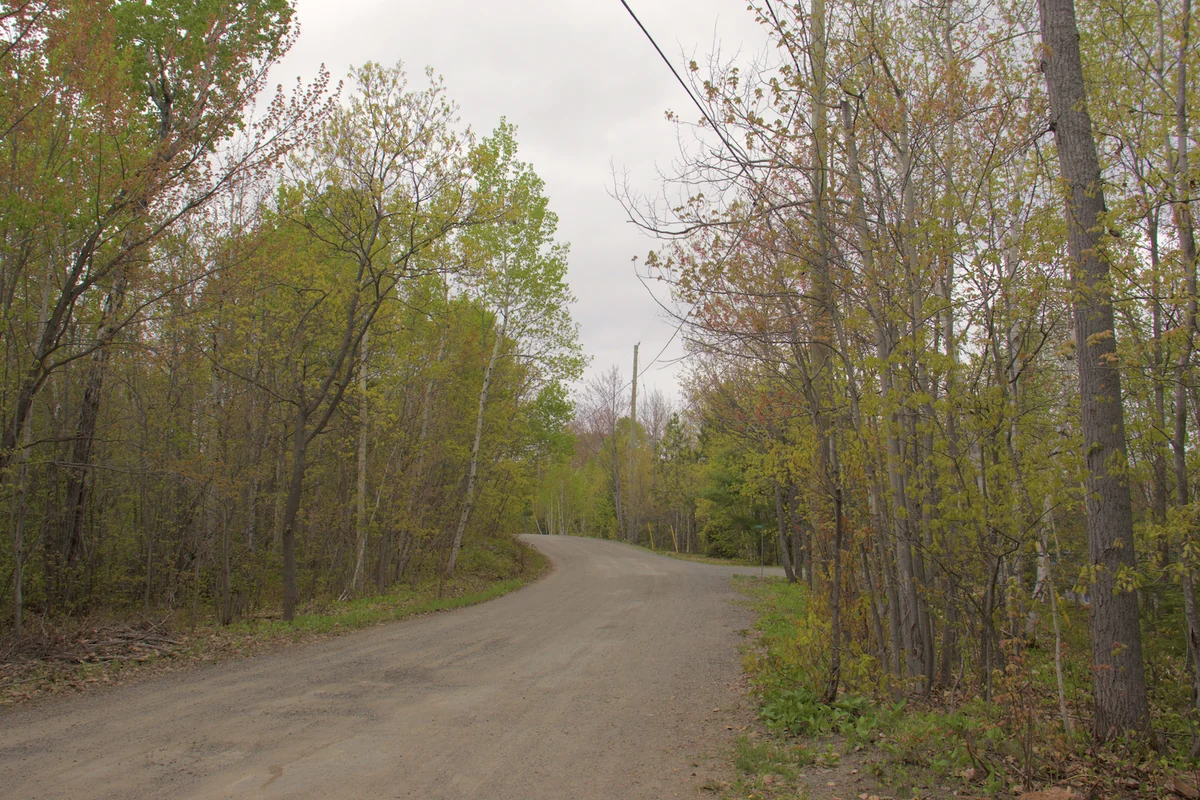 BeforeGraded
 Re-tagged sRGB
 Converted
 Difference ×8
One master. Every screen.
One render in linear light keeps every highlight the photo holds. From it, PIXL writes HDR for screens that show it and a matching picture for those that don't, from the same pixels.

HDR that keeps its colour.
The master measures each photo's own peak, holds it to the ceiling you choose, and tone maps for standard screens along hue lines the eye agrees with: bright saturated colours roll gently toward white without turning.
- ≤ 0.18° median hue shift in saturated highlights (a per-channel tone map: up to 19.8°)
- 0.04 stops: a gain-map file rebuilds the master, and never passes its ceiling
- 0.49 s an HDR preview of a 24 MP edit, from the cached master
- PQ · HLG
Every HDR format, from one flag
Rec.2100 PQ in JPEG XL and PNG, a base with an ISO 21496-1 gain map in AVIF and JPEG, or the 32-bit master itself. Switch headroom off and only the headroom goes.
- 11 / 11
iPhone HDR, read like Apple
Held against Apple's own renders of eleven iPhone photos: the base within two 8-bit codes, the HDR within a mean of one 10-bit PQ code.
- 1 : 1
The preview is the export
A render from the cached master is the render from the original, byte for byte, so an app can redraw a RAW edit without decoding it again.
Read exactly. Written smaller.
Every file is decoded the way its makers render it, and written with every encoder setting stated. Sizes are compared at equal measured quality, never at equal "quality numbers".
Smaller isn't a guess.
With AV1's still-image tuning, PIXL's AVIF is 7–13% smaller than the default tuning at the same perceived quality on photographs, about the size of HEVC there, and 10–20% smaller than HEVC on graphics and HDR. JPEG XL repacks a JPEG 19% smaller and gives the original back to the byte.
- −19% JPEG → JPEG XL, reversible bit for bit
- 0.31 s a CR2 to a lossless DNG, mosaic bit-identical
- 13 parsers fuzzed under AddressSanitizer
A sensor mosaic is not an image.
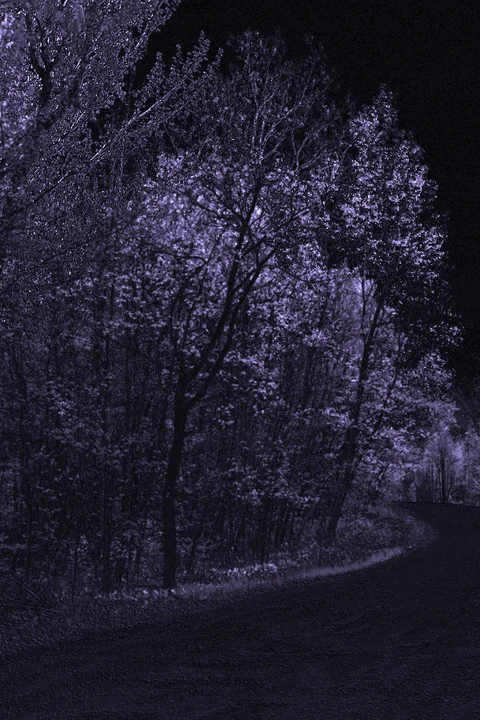
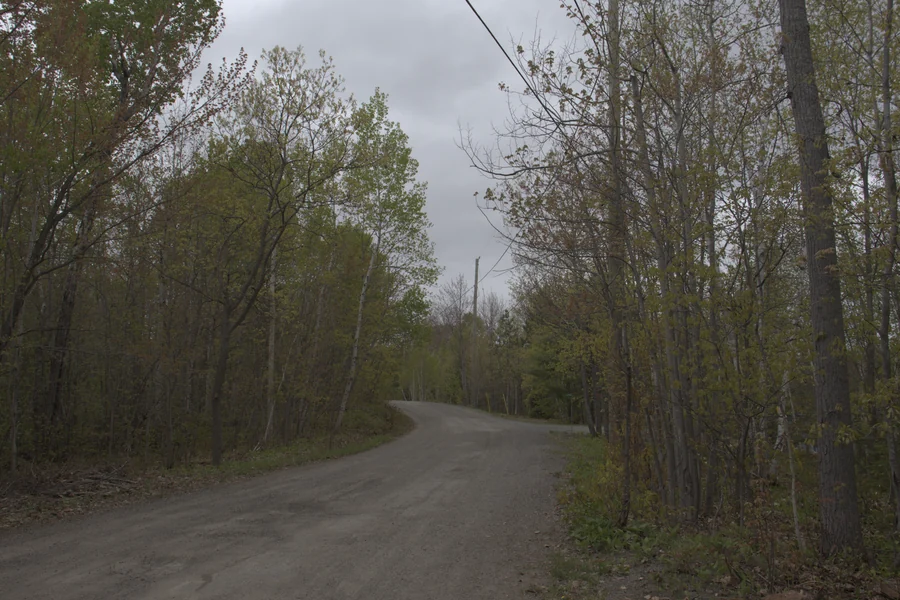
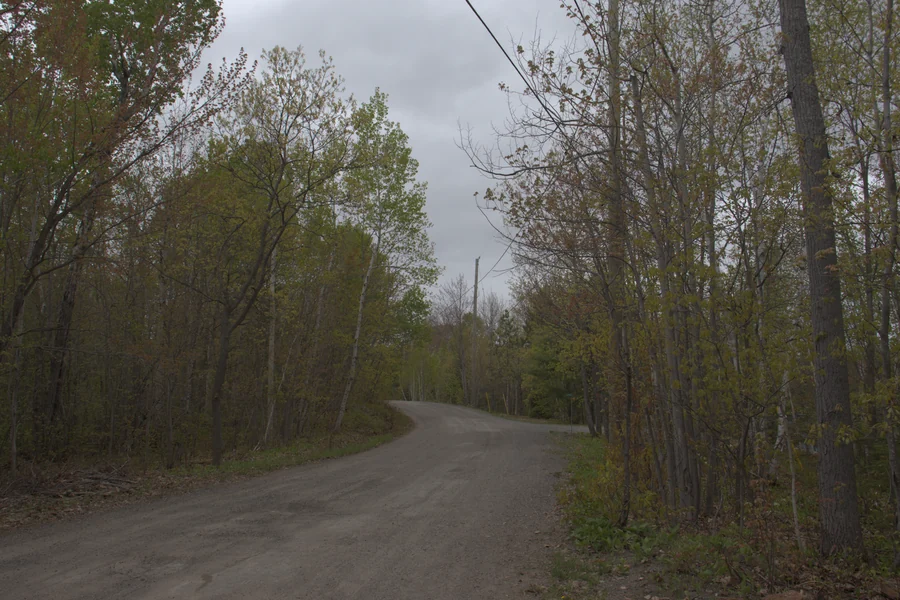
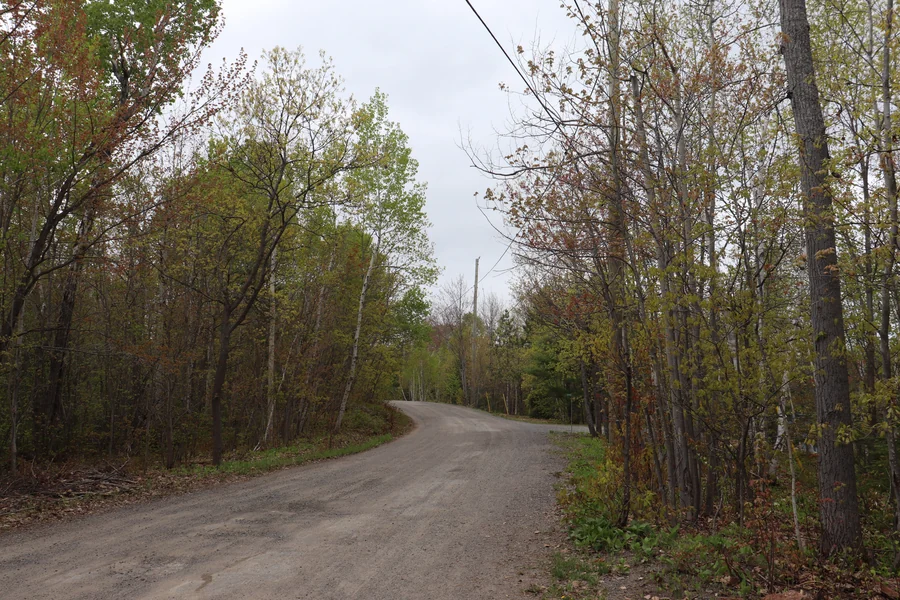
Turning a RAW into a picture is a series of choices, and PIXL leaves every one to the app: a scene-linear develop for editing into headroom, a display-ready one, or the camera's own preview. For archives, RAW to DNG is lossless and keeps the mosaic bit for bit, with PIXL's own DNG 1.7.1 reader and writer.
 Scene · linear
 Develop · display
 Camera preview
Everything an editor needs.
Every modern format in and out, a full grading toolkit, lens and retouch tools and on-device AI, with metadata copied verbatim and never "fixed".
Formats
- Camera RAWCR2, CR3, ARW, NEF, RAF, RW2, ORF and more through LibRaw, developed by PIXL
- DNGPIXL’s own DNG 1.7.1 reader and writer: every compression, opcodes, lossless out
- AVIF8, 10 and 12-bit, HDR and gain maps, grids to 102 MP and beyond
- HEICread exactly as Apple renders it, iPhone gain maps included
- JPEG XLlossy, lossless, 32-bit float, and the bit-exact JPEG repack
- JPEGlibjpeg-turbo, with Ultra HDR gain maps in and out
- PNG · TIFF · WebP16-bit and HDR PNG, float TIFF, lossy and lossless WebP
Grading operations
- White balance
- Exposure, lift, gamma, gain
- Highlights, shadows, whites, blacks
- Point and parametric curves
- Perceptual HSL
- HSL bands
- Vibrance with skin protection
- Colour qualifiers
- ASC CDL
- .cube LUTs
- Noise reduction
- Sharpening
- Clarity and texture
- Dehaze
- Vignette
- Seeded grain
- Colour-grading wheels
- Channel mixer
- Defringe
- Add colour
- Masks and layers
Beyond the grade
- PixlRGB colour science: fitted camera colour, the visible-range guard, gamut compression
- One HDR master: PQ, HLG, gain maps and floats from one render
- RAW develop in scene-linear light, with four highlight modes
- Lens corrections: distortion, fisheye, lateral CA, vignetting, flat-field
- Upright perspective, with automatic suggestions
- Heal, clone and content-aware fill; red and pet eye
- On-device AI: super resolution, denoise, JPEG restore, deblur, subject and prompted masks
Use it from
- Rust · the engine itself
- Node & Electron · macOS (Apple silicon and Intel) and Windows x64, what the apps use
Measured, not claimed.
Real files, real conversions, on an Intel i7-14700F with 8 threads. Nothing here is copied from a datasheet.
| Conversion | In | Out | Time |
|---|---|---|---|
| Canon CR2 → DNG, whole sensor (lossless) | 35.6 MB | 28.3 MB | 0.31 s |
| JPEG → JPEG XL repack, reversible to the byte | 8.0 MB | 6.5 MB | — |
| 16-bit PNG → AVIF 10-bit 4:4:4, Iq q90 | 104 MB | 10.8 MB | 3.6 s |
| 24 MP JPEG → AVIF, Iq q70, speed 6 | 8.04 MB | 4.30 MB | 1.9 s |
| 102 MP Fujifilm RAF → scene-linear develop | 101.7 MP | 1.49 GB peak | 4.9 s |
| Master cache → 2048 px HDR preview (JPEG XL, PQ) | 24 MP | 1.2 MB | 0.49 s |
Two apps today. The same core under both.
Say what's underneath.
Products built on the engine can carry the Powered by PIXL Engine badge on store pages, download pages and splash screens.
Who it's for
Partners & licensing
Put the engine under your own product: decoding, grading and encoding as one Rust library, with on-device AI.
Talk to us →App makers
Ship on a core that already carries two apps, from Rust or Node and Electron, and say so with the badge.
Get the badge →Engineers
One working space, one master, one rounding, and a report for every conversion. The deep dives show the numbers.
Read the colour science →
Build on PIXL Engine.
Licensing, partnerships and investment: hello@pixlfoundation.com